Andrew S. Parnell

Bay area based UX Designer turned Manager.

Currently scaling a team of designers working on enterprise software for Legal, Financial, and Professional Services at Intapp.

I love digging deep into problems that appear to be straightforward or mundane on their surface, revealing the underlying complexities & nuances, and using them to create products and features that deliver real value to users.

You can reach me by email or find me on LinkedIn

Dovetail Bringing together 2 CRM Products

Business Impact

  1. Merged 2 products together into a platform to increase operational efficiency.
    • Unified Navigation + Information Architecture
    • Enable focus on a common UI
    • Reduce Design, Development, and QA effort
  2. Applied Intapp Design System to deliver a modern user interface.
    • Iterated the design system where needed.

Background

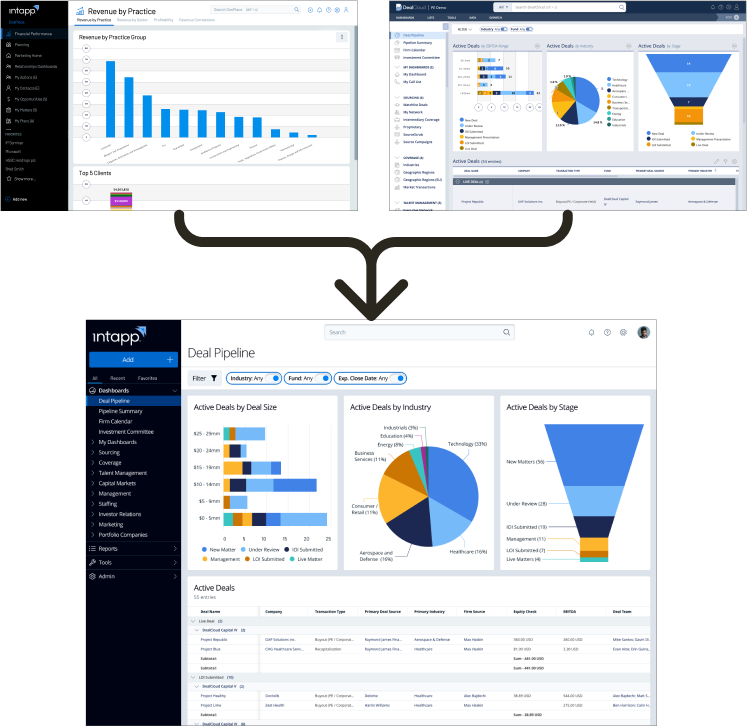
When Intapp acquired DealCloud (CRM for Private Capital & Investment Banking) in 2018 they made a fork of the product called OnePlace to serve the Legal & Professional Services Industries.

After 2.5 years we recognized that 2 versions of the same product created a lot of inefficiency across the board. However, by that time the 2 versions had developed in wildly different directions.

Challenges

  • Very different UIs
    • Users noted that DealCloud interface felt old & dated.
  • Inconsistent interaction patterns
  • Needed to find way to continue to serve specific customer use cases with minimal disruption
    • Unifying some patterns carried a lot of risk
  • Large scale project required many hands (5 designers + 3 PMs) to accomplish. Coordination was key.

How

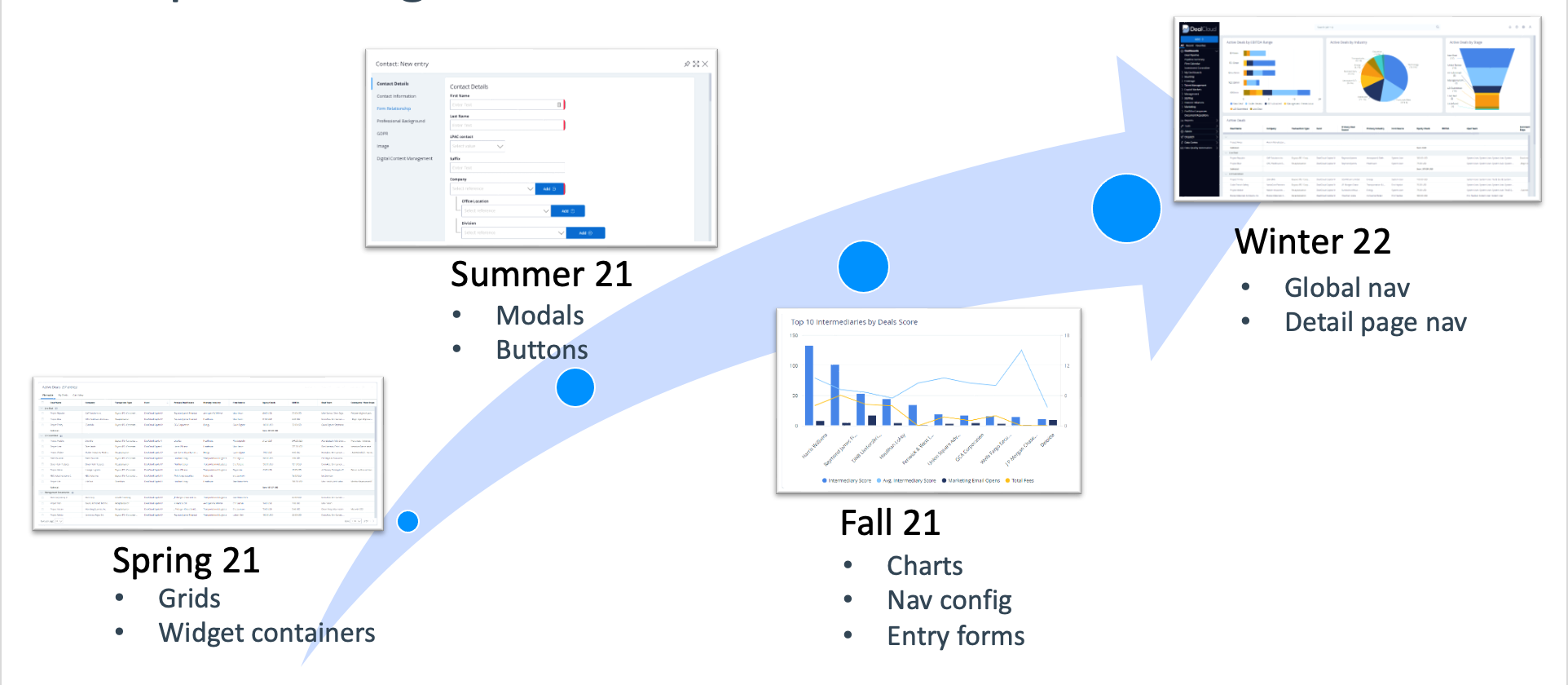
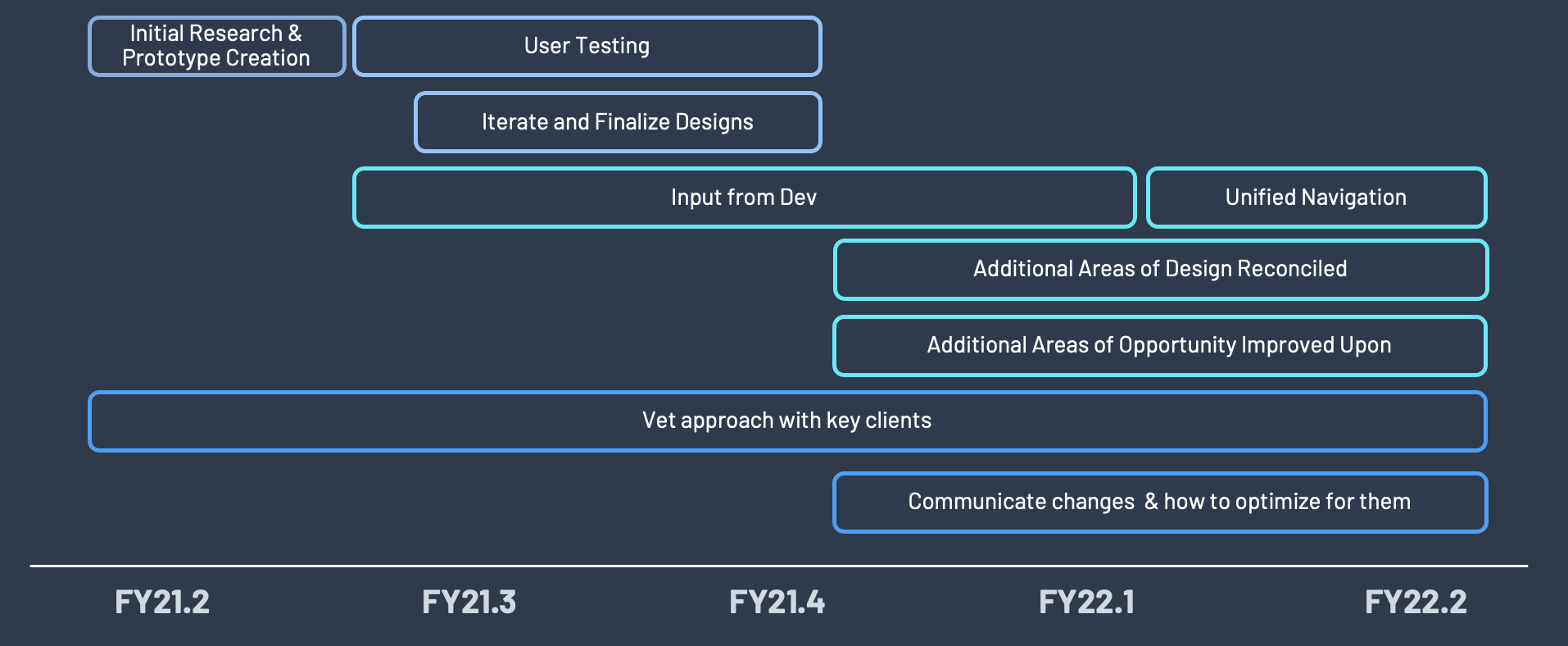
  • Phased approach
    • Initially delivered unified designs for components that were functionally the same, but visually different
    • Ran multiple research sessions with users from both verticals on more complex & disparate elements to ensure we understood all considerations that needed to be made before implementing new designs.
      • Validated new designs with those users using low & mid fidelity prototypes to be able to quickly and affordably work through multiple options.
  • Collaborated with director and PMs to manage project
    • Distributed work among team of designers
    • Personally handled Navigation
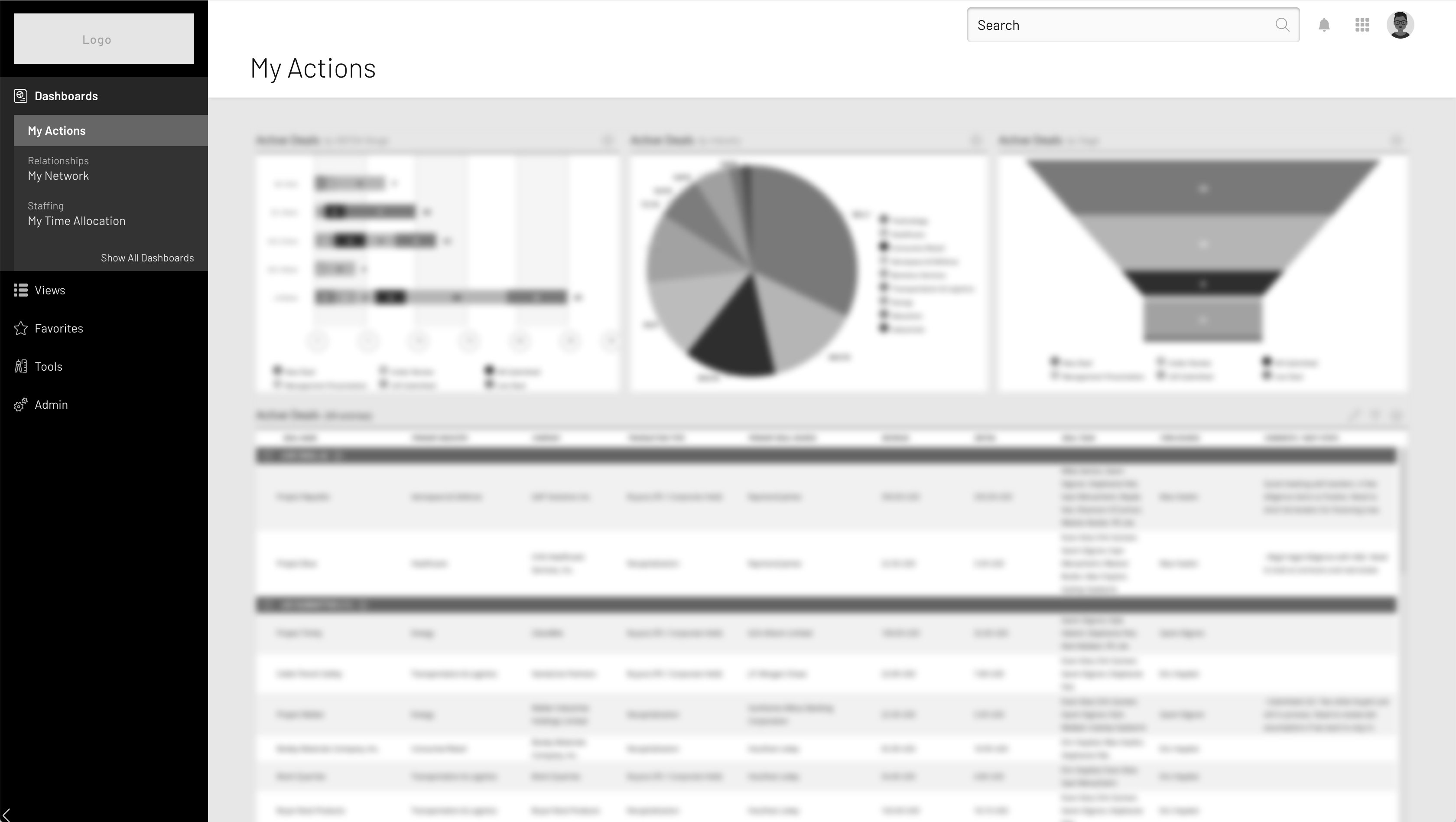
Dovetail Navigation Unifying 2 disparate navigation patterns

Outcomes

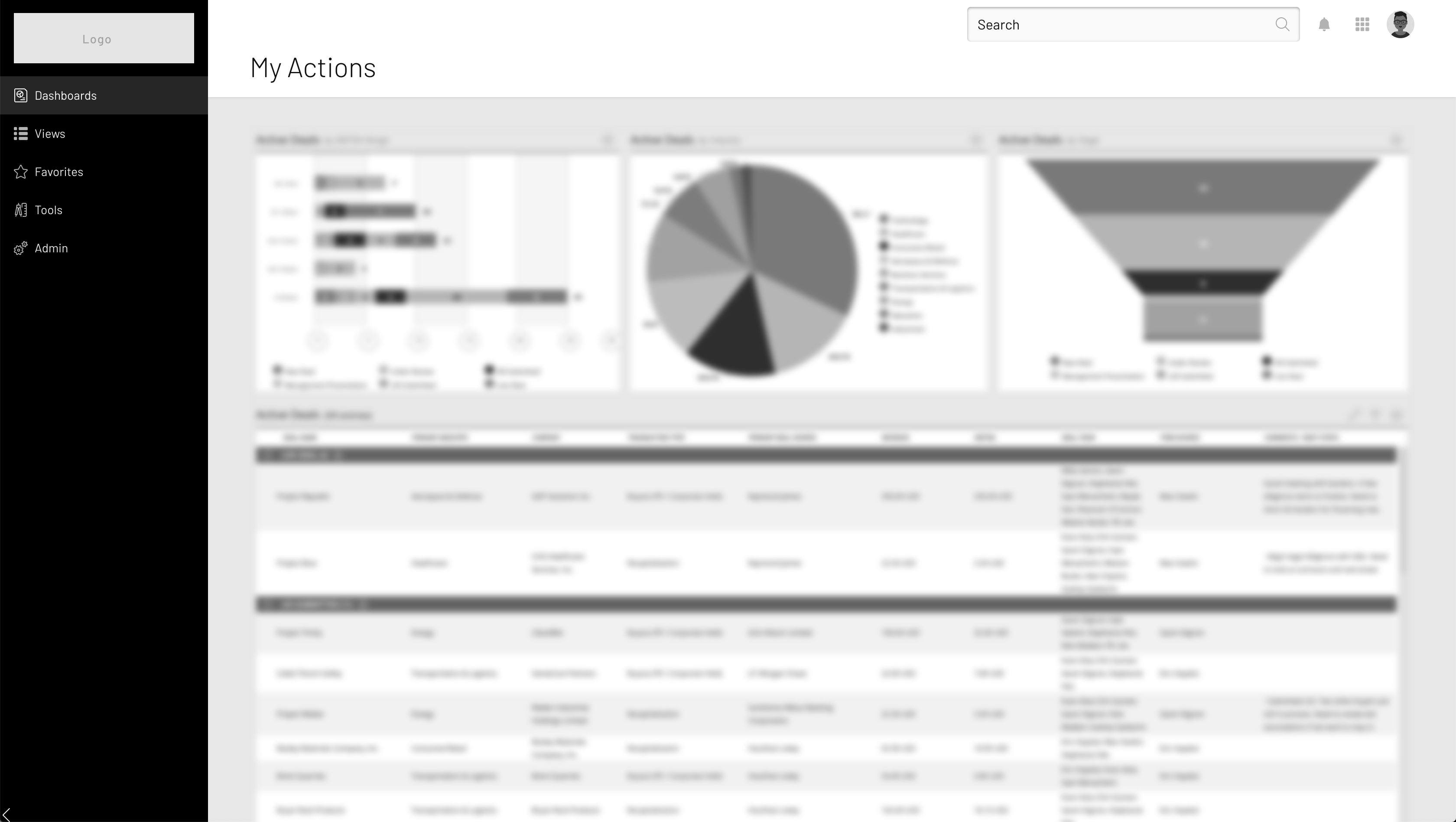
  • Introduced Recents and Favorites
  • Enabled users to personalize their experiences rather requiring admin configuration

Business Impact

  • Unified DealCloud and OnePlace navigation into a single pattern
  • Addressed ongoing client feedback
  • Streamlined communications and release notes

Initial States

DealCloud

Global Navigation

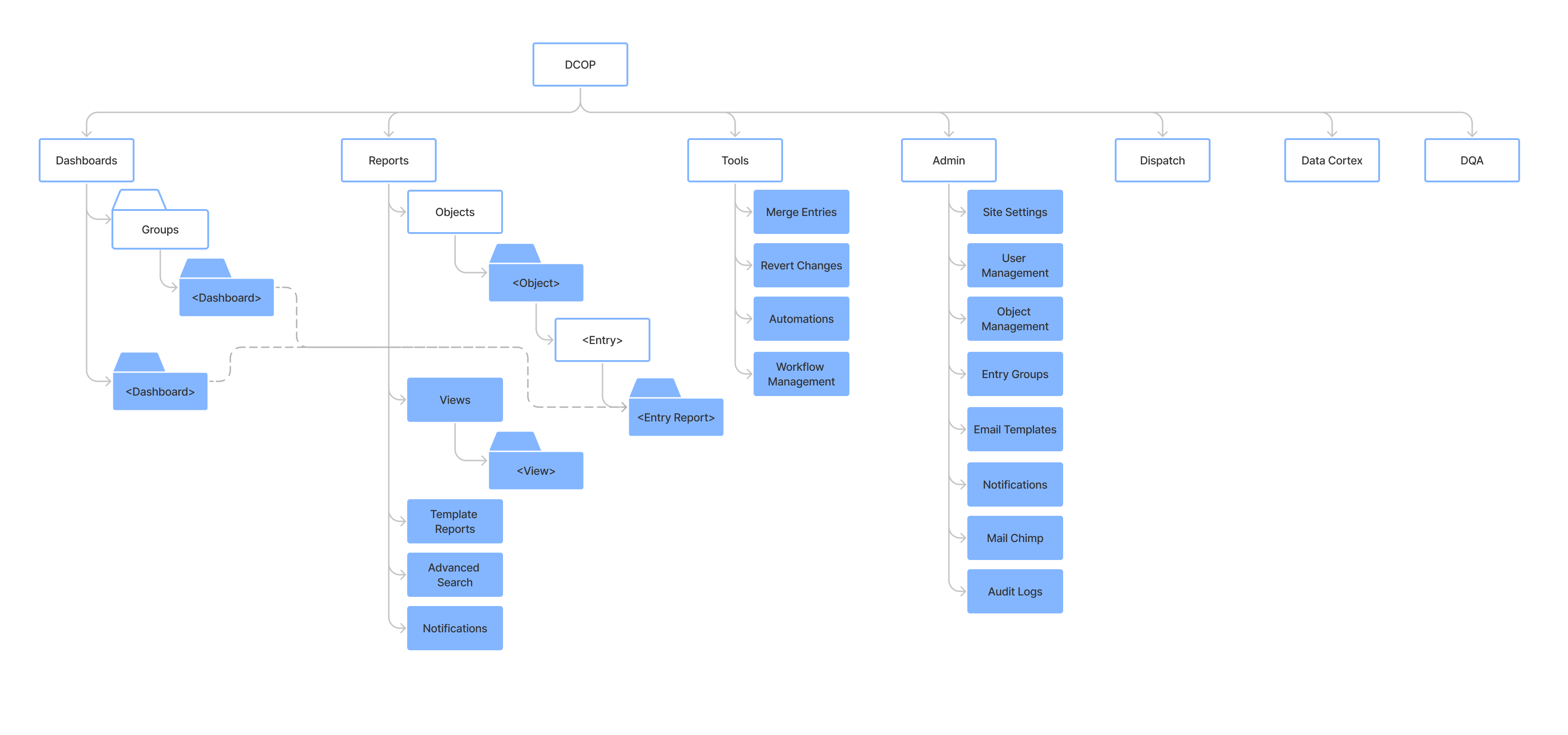
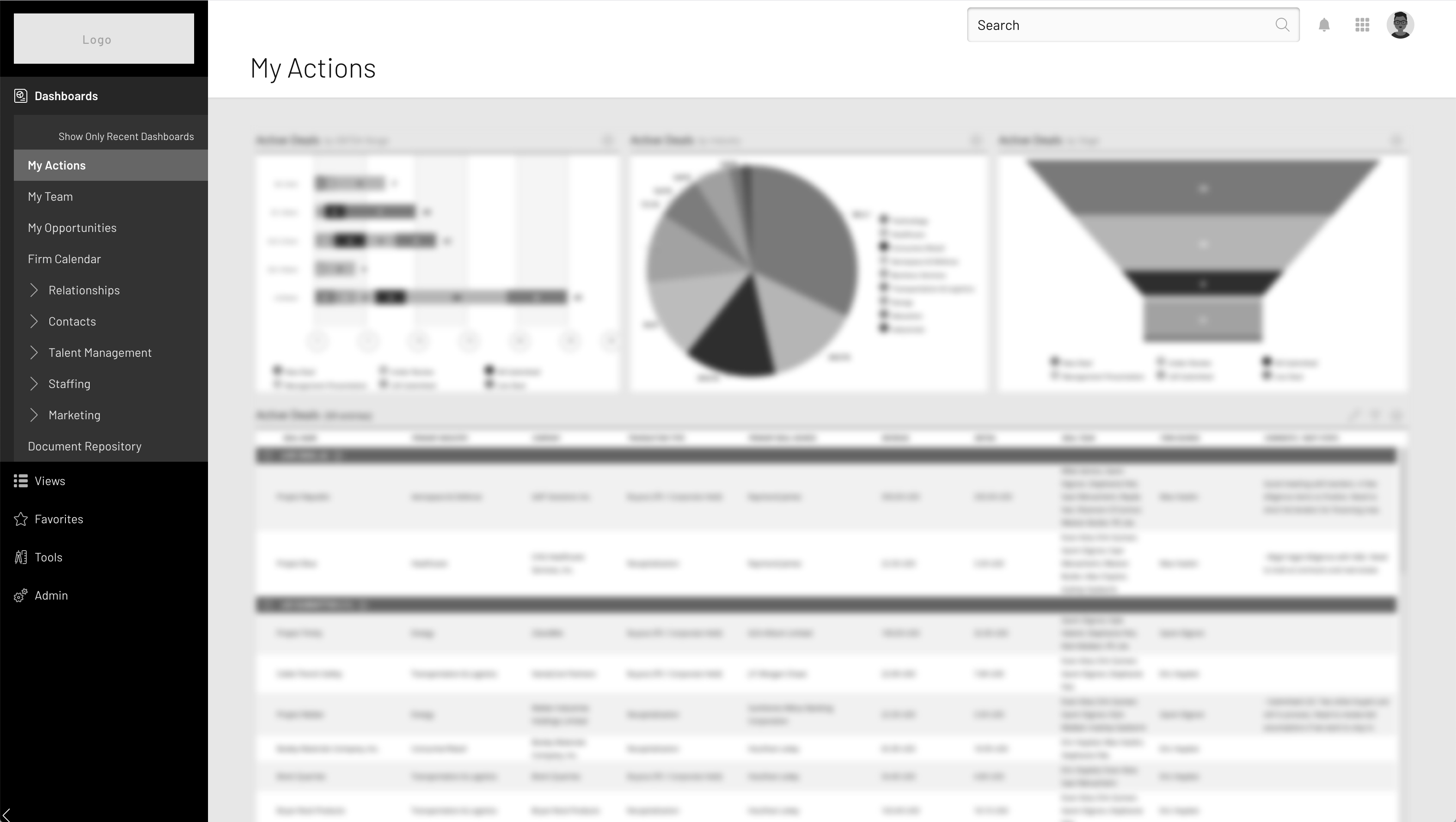
  • Only true “Global” navigation was a list of 5 content sections across the top bar
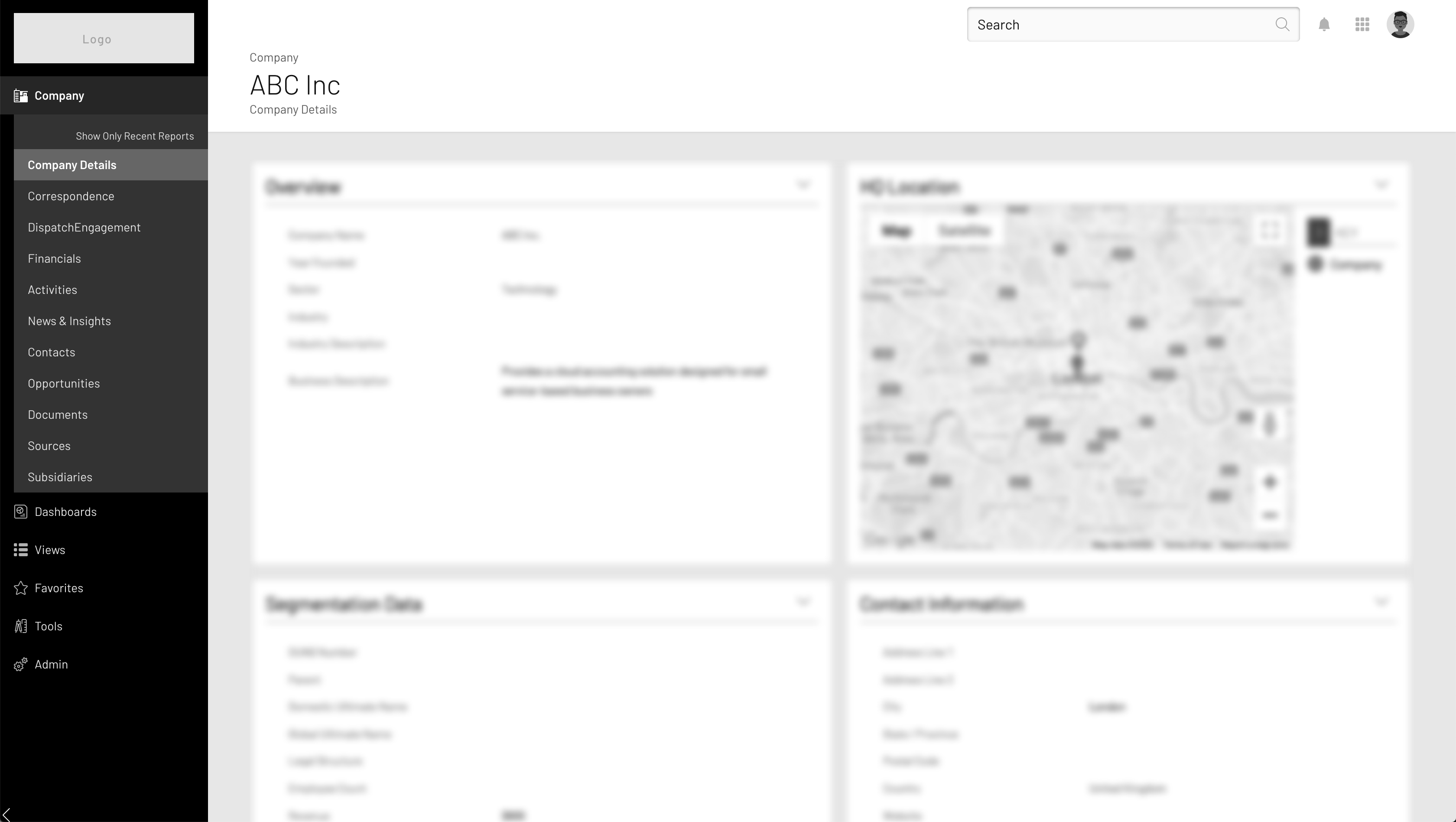
  • The left bar, which users identified as the primary navigation, changed based on where in the site hierarchy you were.

Detail Page Reports

  • When the user navigated within a detail page, the left bar changed from list of dashboards to list of available reports.

OnePlace

Global Navigation

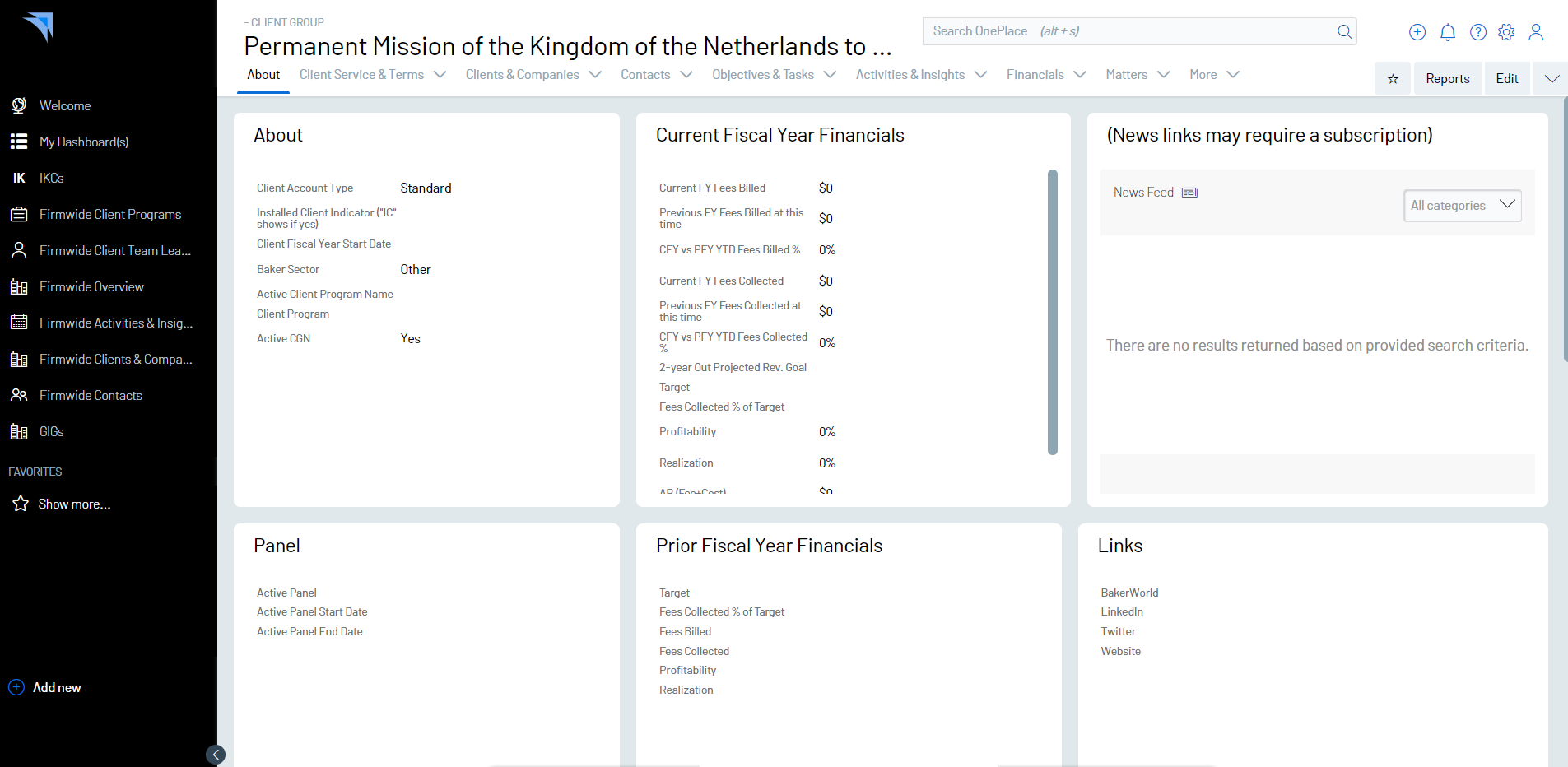
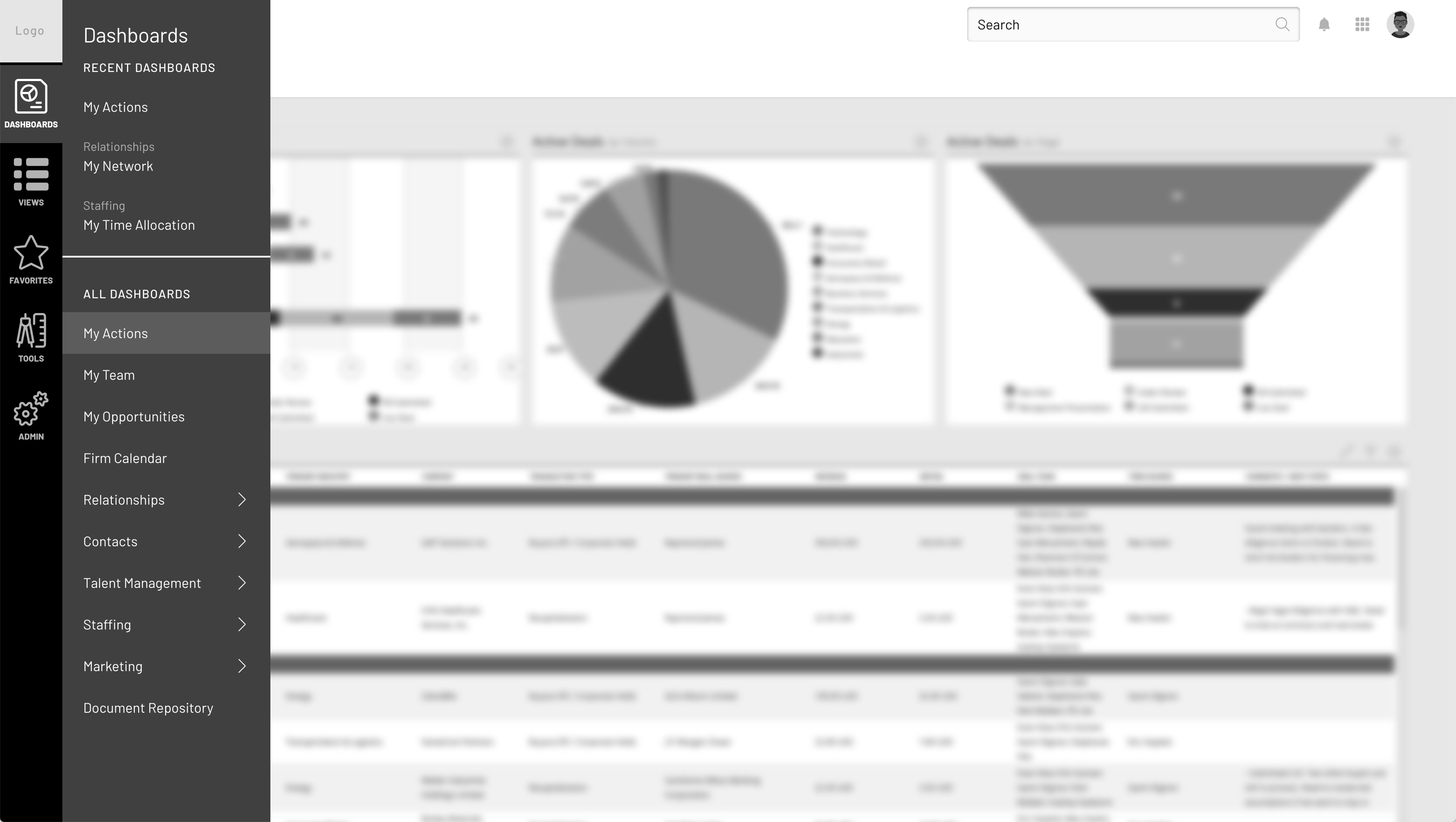
OnePlace had a more consistent navigation, with a persistent left rail for top level navigation, but had eliminated the navigational concept of dashboard groups, instead treating groups as a single page, and utilizing tabs across the top of the page to display the dashboards contained within the group.

Detail Page Reports

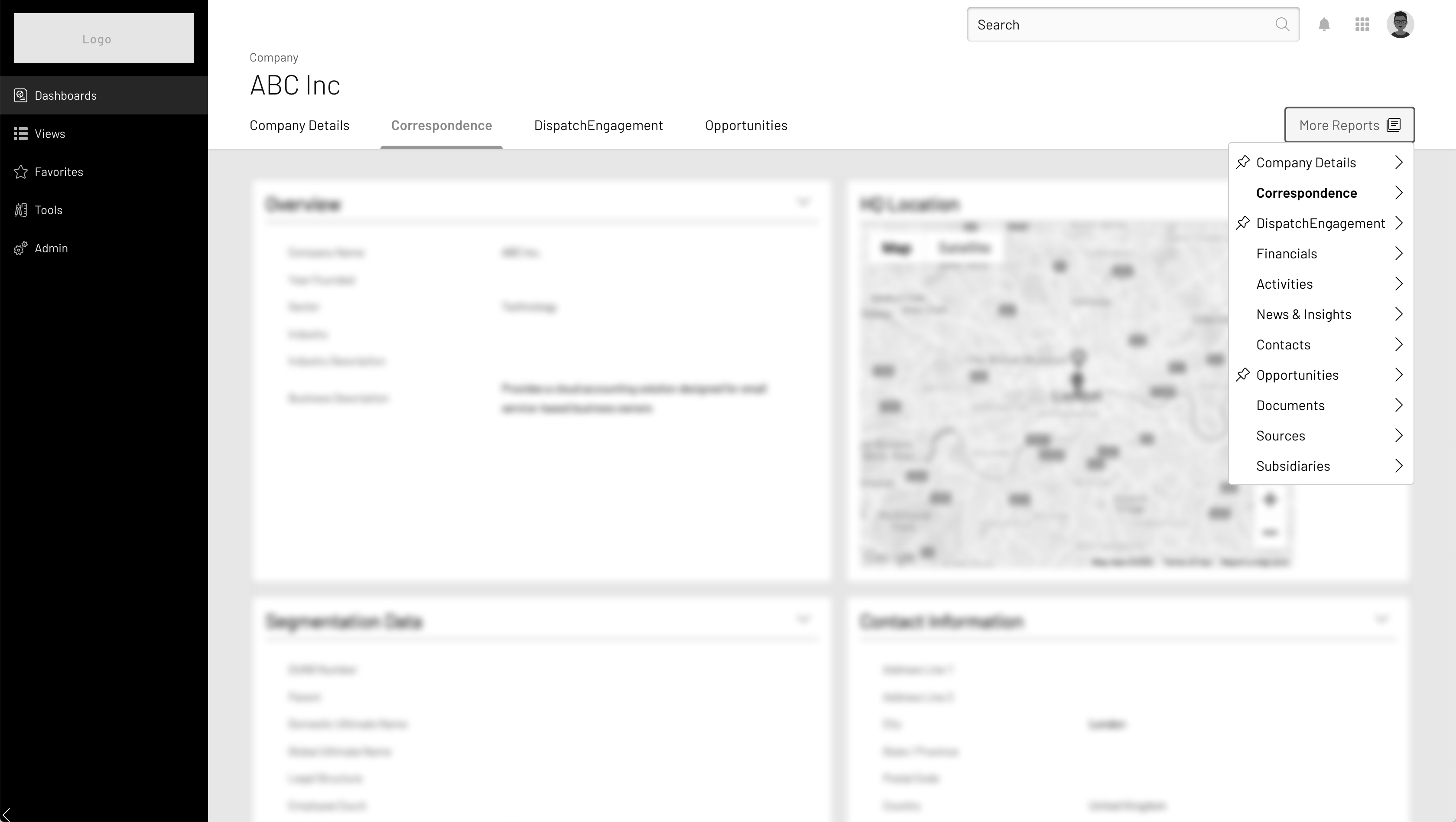
OnePlace continued with the tab approach for navigating between reports on detail pages. Because it is very common for firms to create dozens of reports for any particular entry type, they had introduced “group” tabs, which were tabs with a dropdown menu to switch between reports in that group.

Common Architecture

Process

Informed by Data

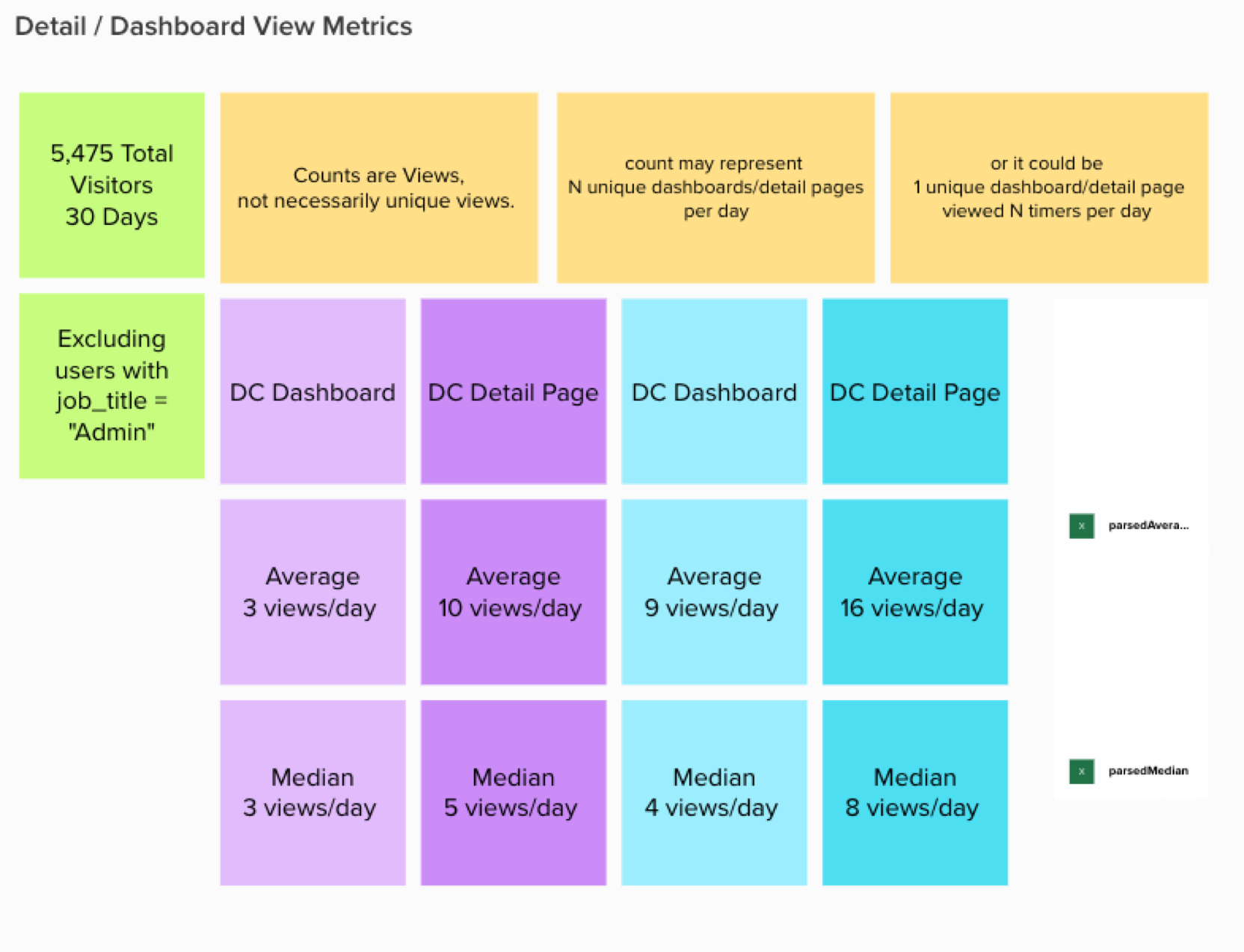
  • Leveraging a foundation of a user data via Pendo
  • Took into account client configuration
  • User Testing with over a dozen users across DealCloud and OnePlace at key clients

Driven by Intuition

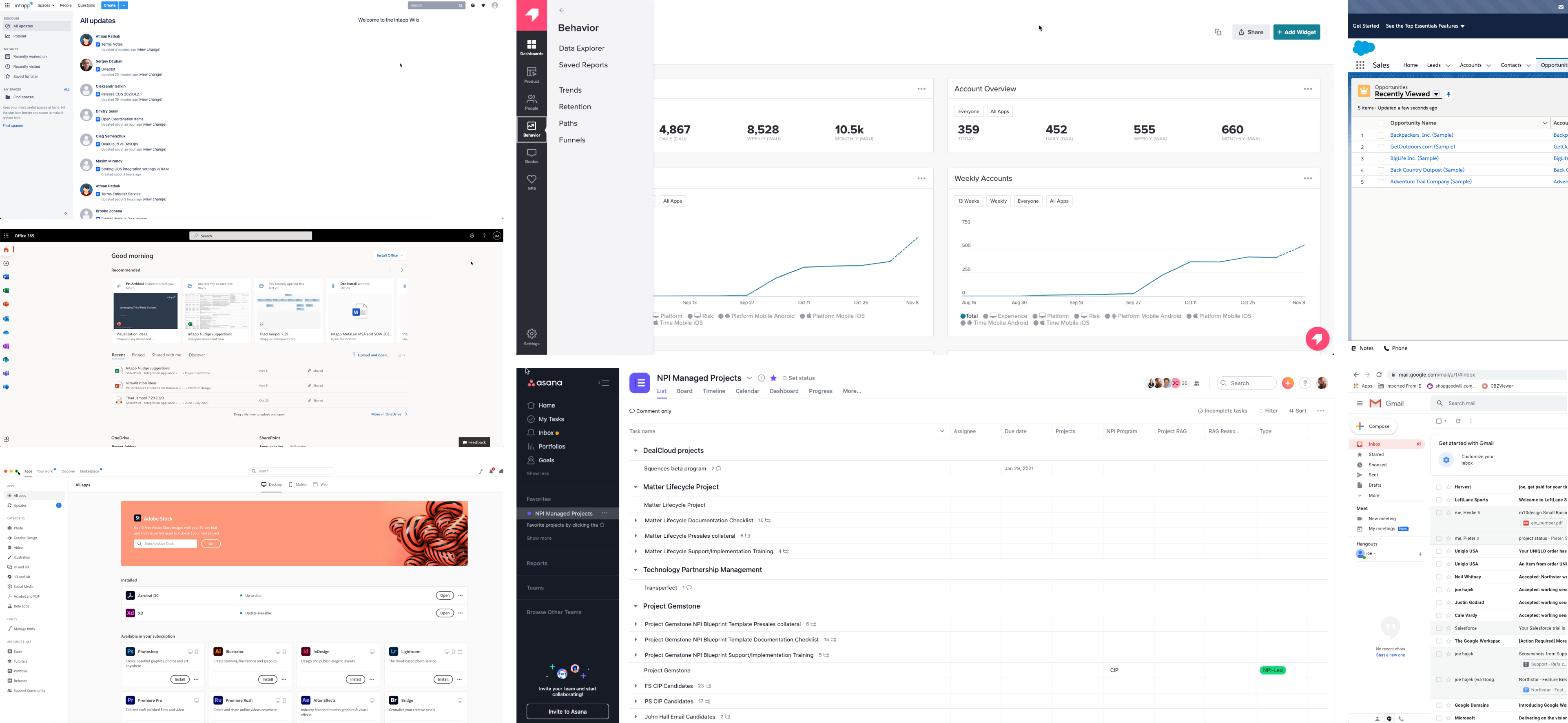
  • Competitive Evaluation
  • High speed, collaborative iteration
  • Scalable Navigation model
  • Address high value + high frequency use cases
  • Plan for short term delivery and long term evolution

Multiple Approaches Considered

Global Navigation

Variants

Results

Split preference between approaches.

Final delivery delivered both approaches and allowed users to toggle between them. Once user toggled global navigation, the new choice persisted.

Detail Navigation

Variants

C) Contextual Groups
D) Tabs
E) Views

Results

Strong preference for approach D - Tabs. This was the approach we implemented.

Experience Filter Search Navigating Technical Constraints to deliver a holistic solution to help people find their content and context

Outcomes

  • Replaced title only search with keyword & attribute search.
  • Introduced ui to empower non-technical users to perform complex queries

Business Impact

  • A higher utility of the platform & reliance on the platform as a single source of truth for all business activities
  • Key client retention

Background

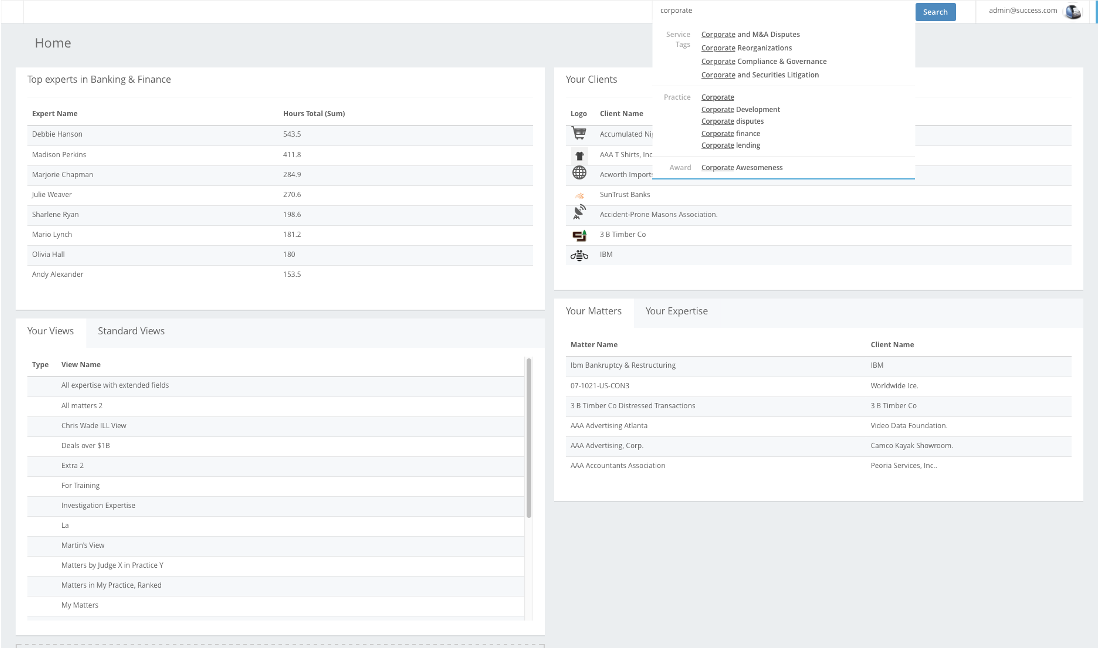
  • The search bar that was a part of the global navigation only looked at record names.
    • Performant, so that it would deliver results as the user typed
    • Enabled quick navigation
  • Was not useful for record discovery
  • I was brought in “to make search better”

User Roles

  1. Business Development Team
    • In the product every day as a regular part of their job
    • Technically minded, understands databases & taxonomy
    • Looking for collections of records to support narrative in proposals
  2. Lawyers
    • Well versed in their own area of expertise, but not particularly technical
    • Typically looking for individual records

Approach

Understand the problem

Methods utilized:

  • Competitive Analysis
  • User Interviews
  • Stakeholder Interviews
  • Data Mapping & Taxonomy
  • Whiteboarding
  • Technical Discovery

Discoveries:

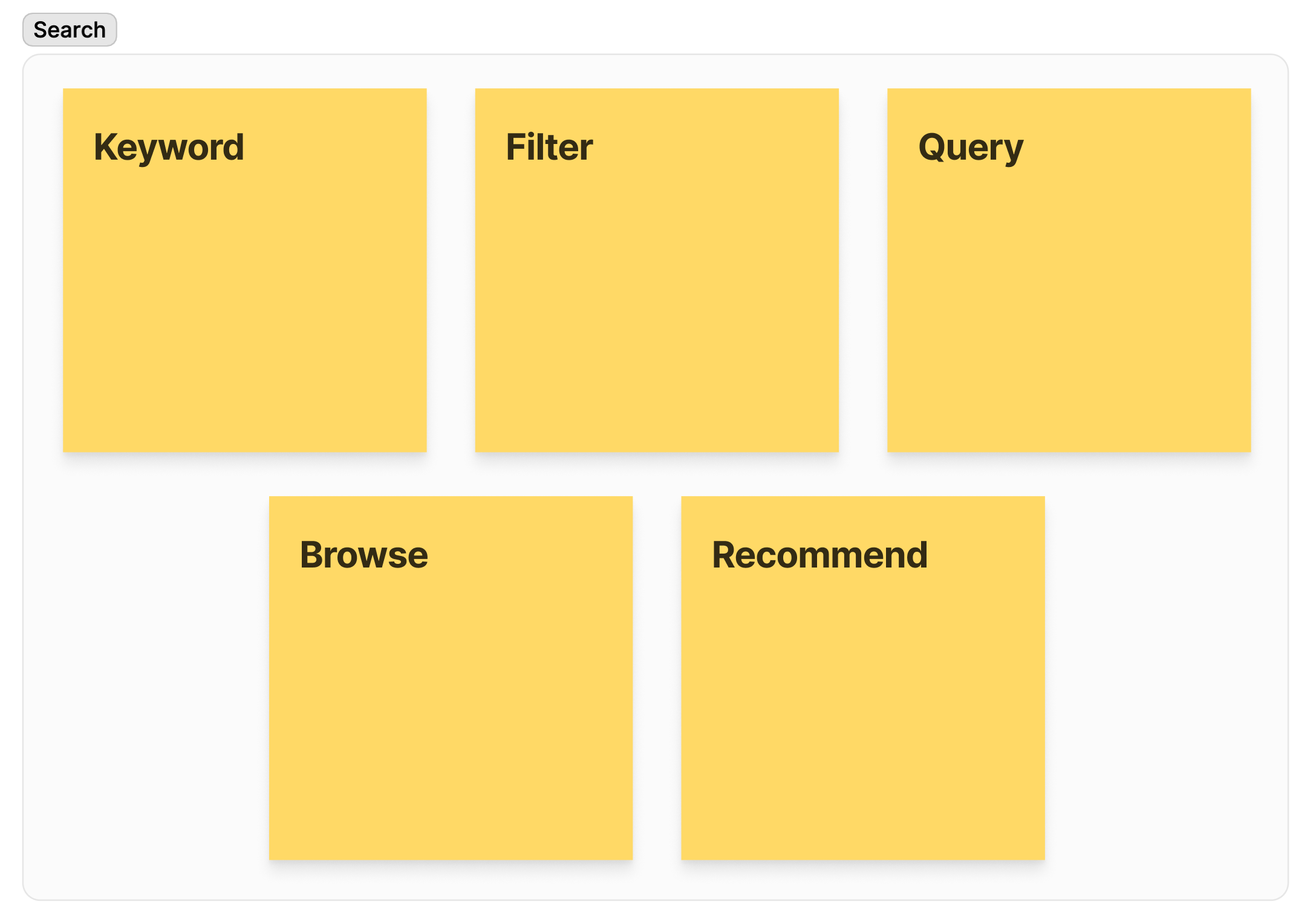
  • When users described “Search” they talked about a whole suite of behaviors.
    • While the technical architecture required a distinction between filtering and keyword search, users didn’t distinguish
  • Our 2 user roles had conflicting needs that would need to be delivered in the same location
  • Boolean logic concepts like “and / or / not” were desperately craved, but the language of “and / or / not” was not used by lawyers.
  • Most users knew the values of attributes they specifically wanted to search on, but not necessarily where to look for those values
  • Desire for relational interaction without the underlying technology

Designs